
Pixel Art Slash Generator
Create a custom pixel art sword slash. Specify swing, facing, palette and impact timing, refine the arc and trail, then export it for your game.
Library reference: Sword slashChoose the animation your game needs. Start with a practical brief, refine the result with Smith, and export a transparent sprite sheet or Godot 4 pack.
Each guide includes controls to describe, a prompt you can edit and checks for the finished animation. The previews below are free pixelfx library references by Patch and contributors; they are not generated results from these briefs.
Create a custom pixel art sword slash. Specify swing, facing, palette and impact timing, refine the arc and trail, then export it for your game.
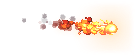
Library reference: Sword slashGenerate a custom pixel art spell with a clear silhouette, editable particles and readable timing. Refine colors and direction, then export a sprite sheet or Godot pack.
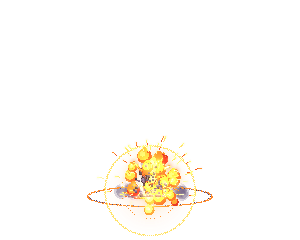
Library reference: FireballCreate a pixel art explosion with editable flash, ring, smoke and debris. Control size, palette, burst timing and impact, then export animated game assets.
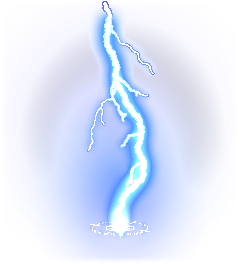
Library reference: ExplosionCreate pixel art lightning for a 2D game. Describe bolt direction, branching, strike count and ground impact, refine the timing, and export a transparent sprite sheet.
Library reference: Lightning strikeCreate a pixel art healing effect or recovery aura. Set its pulse, rising particles, palette and loop, refine it around your character, and export game-ready animation files.
Library reference: Healing bloomFor a new animation, choose a generator above or open a blank effect draft. Opening a draft does not start generation. To recolor or adapt an existing asset, browse the free library.
Read the AI creation guide for the full workflow, the Godot guide for installation, or connect an agent to work from your game project.